Mount and plug in
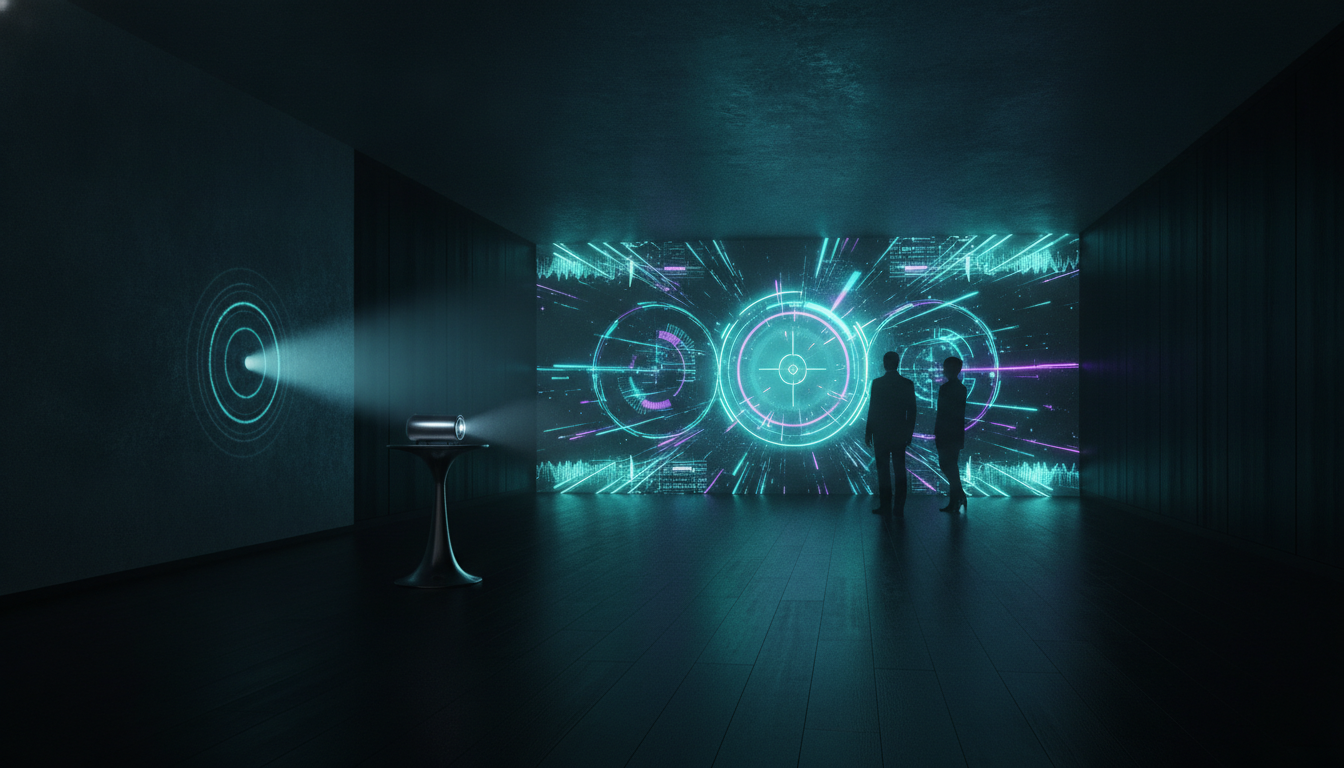
Point your projector at any flat wall or floor. Clip the KINETO sensor next to it and connect the mini PC. Old office projectors welcome.
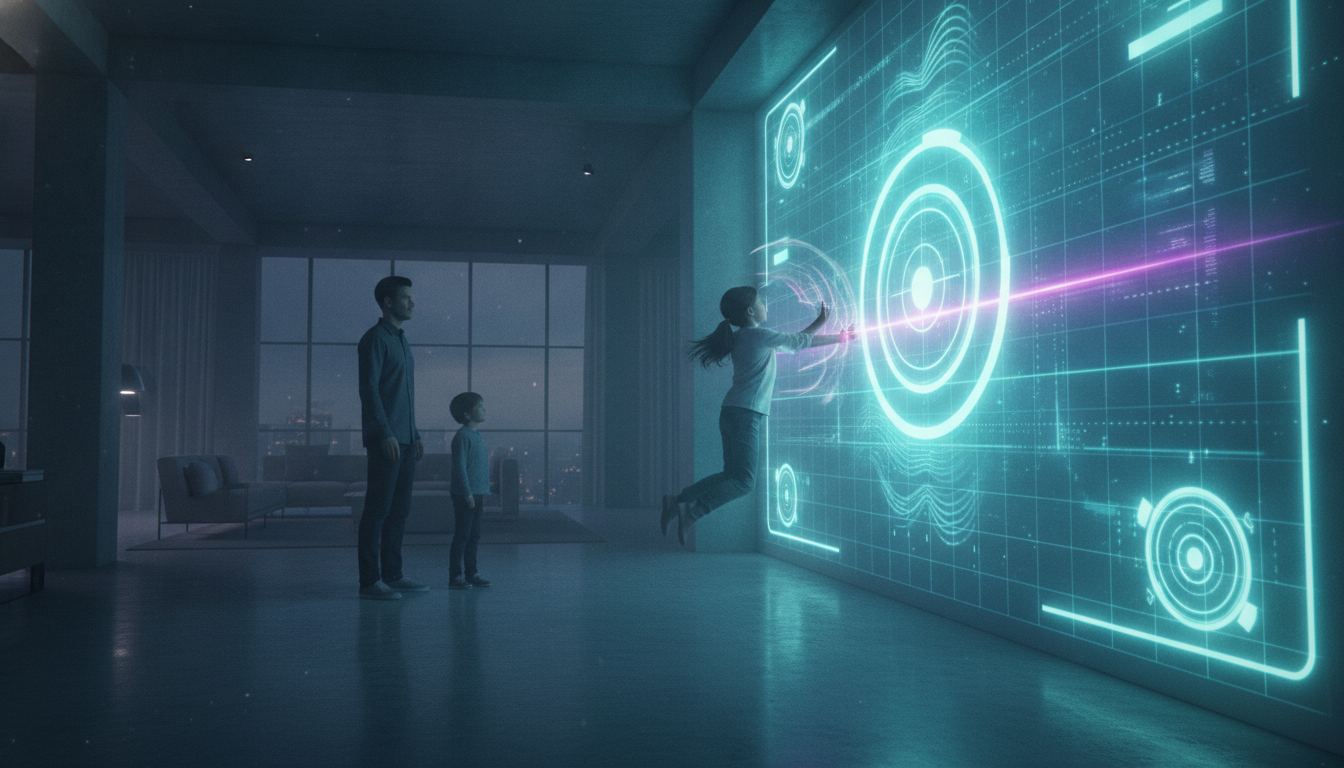
KINETO turns the projector you already own into a 200 to 300 inch interactive wall. Touch it with a finger. Swipe it with a hand. Or kick a real ball at it, hard. The wall does not mind.
No new screen, no proprietary projector, no installer visit. If your projector can throw an image at a wall, KINETO can make that wall fight back.
Point your projector at any flat wall or floor. Clip the KINETO sensor next to it and connect the mini PC. Old office projectors welcome.
KINETO maps the projection surface by itself in seconds. Warped wall, weird angle, gym floor: it corrects for all of it. No grid-clicking ritual.
Pick from dozens of games, lessons and drills. Fingers act as a mouse, hands as gestures, and thrown or kicked balls register as full impacts.
Any projector throws the image; the KINETO sensor turns it into an interactive wall. The small box next to the light beam is all the hardware you add.
The same sensor drives an arcade on Friday night, a math lesson on Monday morning, and a striker drill in between.
Brick-breaker smashed with a real ball. Reaction duels. Local multiplayer chaos at 300 inches: the whole room is the controller.
Kick into a projected goal, chase reaction lights, run agility ladders. A wall takes ball impacts; a touchscreen files an insurance claim.
A finger works like a mouse across the whole projection. Kids solve math by slapping answers, museums make exhibits touchable, and presenters drive slides from the wall itself.
See solution ››From the sun-lit living room to the classroom, from the pastel playroom to the data-rich training court. The same wall transforms with whoever touches it.
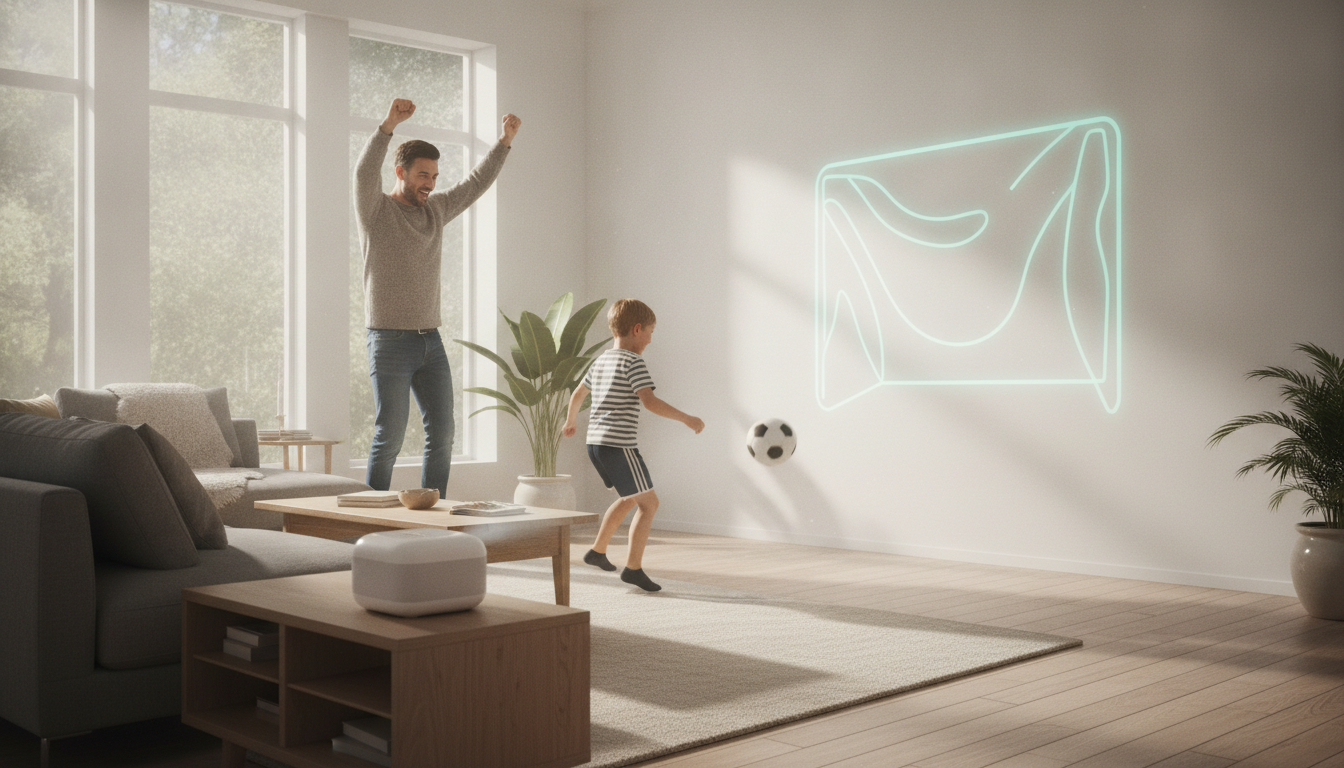 Saturday in the living room
 Penalty shootouts against the dining-room wall in broad daylight. No screens in hand: the ball is the controller.
Turn static screen time into vigorous active play. Designed to keep kids moving.
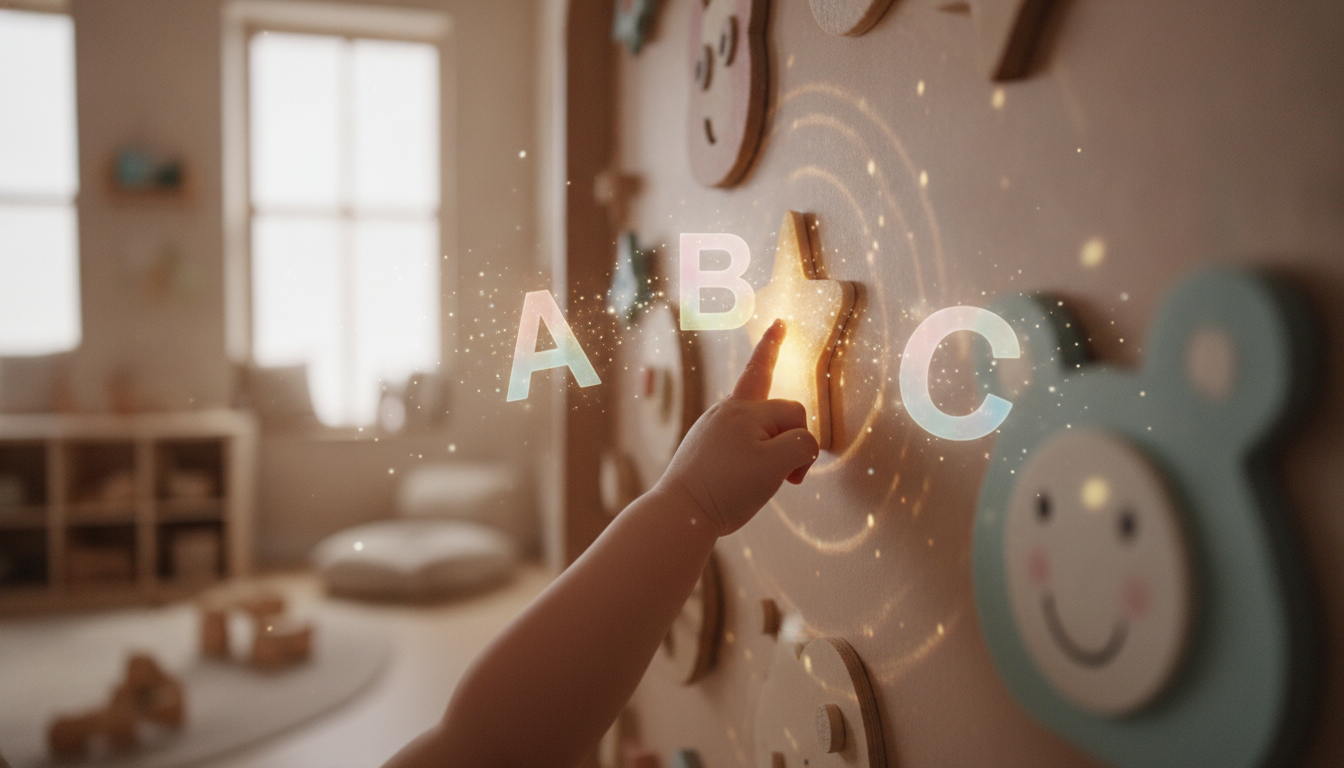 Letters that glow
 Full-body phonics: jump, tap and spell across a magical wall of letters and stars.
Track learning milestones and physical activity levels in real time, from your phone.
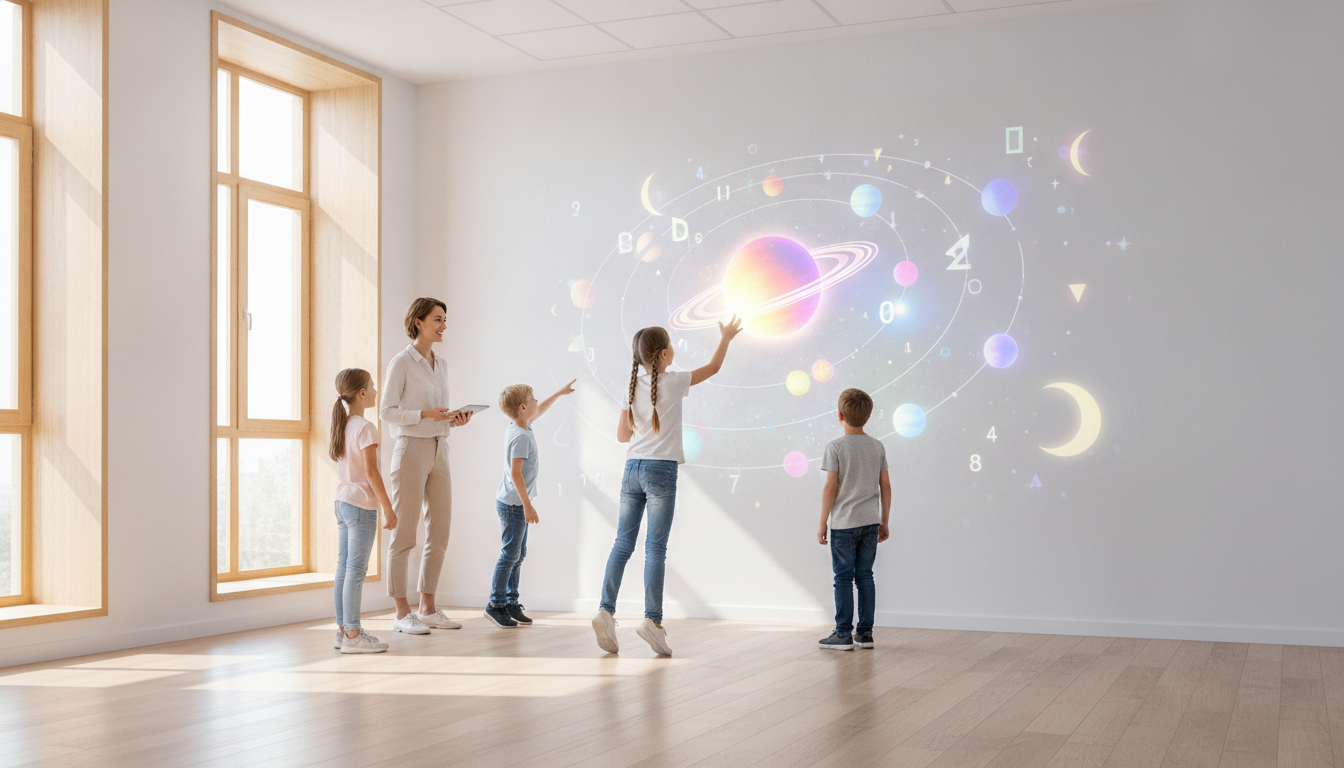 Science you can touch
 The solar system projected on the classroom wall — planets are caught by jumping.
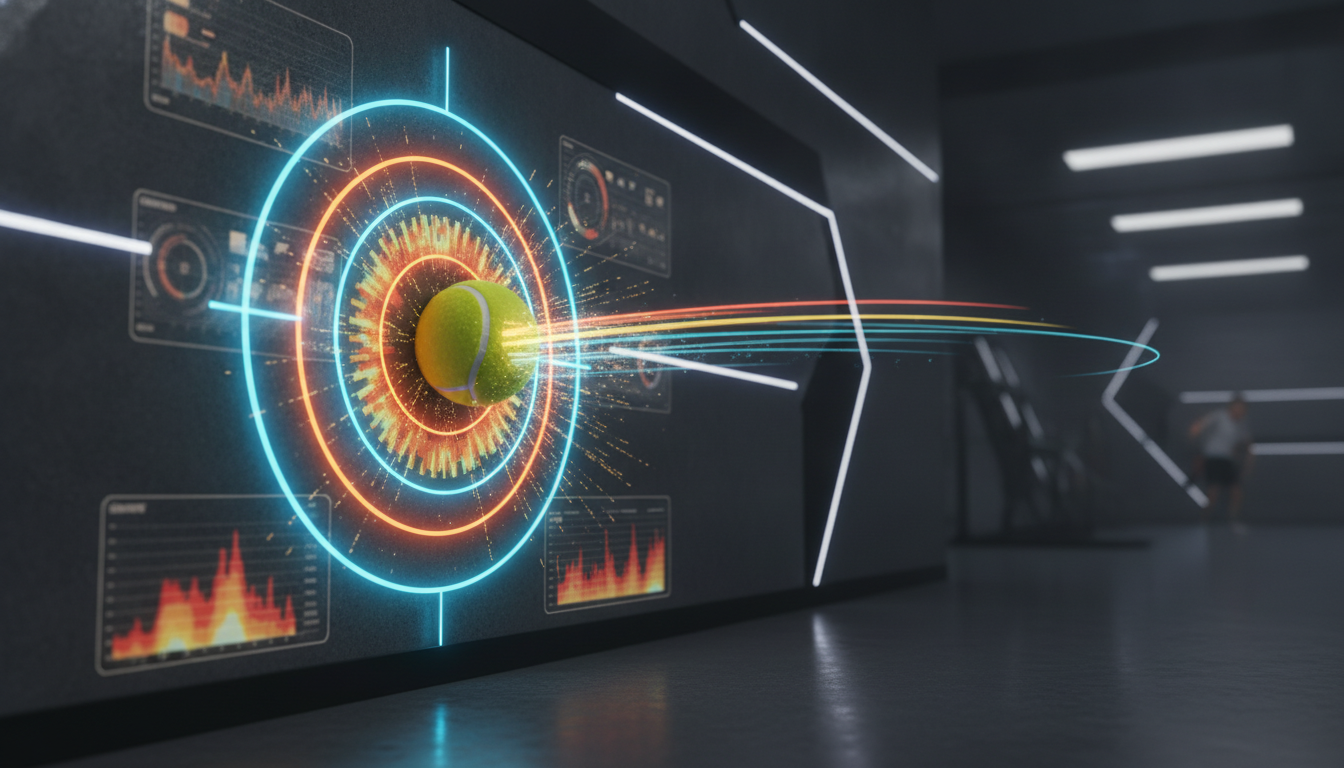 Measurable precision
 Speed, trajectory and impact zones for every shot, projected instantly onto the wall.
Six neon renders of the tracking engine at work. Every clip shows a real input type KINETO reads: kicks, pitches, spikes, throws, and multi-finger touch.
The sensor reads a pitched ball in under 20 milliseconds and scores exactly where it strikes the projected zone.
Spikes, slaps and blocks register with position and force. Volleyball drills and reaction walls run on the same engine as touch.
Footballs, handballs, foam balls for the little ones. KINETO tracks the flight and the hit point; the game decides what happens next.
Simultaneous touch points each get their own ripple. Whole teams answer at once, with no fighting over a single pen.
A rolling library of games, lessons and drills that grows monthly with Play Pass. Click any title for a closer look. Hover to pause the lanes.
18 titles shown of 40+ in the library. New games and lessons ship monthly with Play Pass.
Giant interactive screens have existed for years. None of them let you kick a ball at them, hard. Here is how the KINETO wall stacks up against the rest of the market.
The column nobody else can mark with a Yes: KINETO registers a full-force ball strike with position and power, while the rest of the market barely tolerates a finger.
Drag the control (or use your arrow keys) to scale the projected wall.
Approximate market prices in USD for comparison. KINETO pricing is one-time hardware; you bring the projector.
Hardware is yours forever, one payment. The library that keeps growing is the subscription. Your projector? The one you already own.
Sensor + mini PC. Bring your own projector, even one with ten years on it.
The games, lessons and drills. New releases land automatically, every month.
The sensor + mini PC kit is bought once and it is yours. No equipment rental, no lock-in.
The subscription feeds the wall: new games, lessons and drills every month. Cancel anytime.
Projector sold separately: KINETO works with the one you already own. Hardware ships worldwide; software is billed monthly, cancel anytime.
What everyone asks before ordering their kit.
No. KINETO works with any projector that can throw an image at a wall, even an old office one. The kit includes the sensor and the mini PC; you bring the projector.
Kineto Lite covers projections up to about 200 inches and Kineto Pro reaches 300. For comparison: projectors with built-in touch cap near 100 inches and only read fingers.
Ball tracking works under 20 milliseconds, so a hard kick registers at the exact impact point with no visible delay. Finger touch feels like a giant touchscreen.
Point the projector at a flat wall or floor, clip the sensor next to it and connect the mini PC. KINETO calibrates itself in seconds, with no technician and no grid-clicking ritual. It also works on uneven walls and odd angles.
Play Pass includes the full library of games, lessons and drills, automatic new releases every month, local multiplayer and cloud profiles. Venue adds multi-station management, usage analytics, a commercial license and priority support.
Kineto Lite includes a 2-year warranty and Kineto Pro ships with a commercial warranty and priority replacement. You also get a 30-day return window: if the wall wins, send it back.
Order a kit, point your projector at the nearest wall, and be playing before the pizza arrives. 30-day return window if the wall wins.